From Phone Clips to a Finished Commercial
Choose your footage, shape the story and add narration, music, subtitles and branding in Commercial Studio.
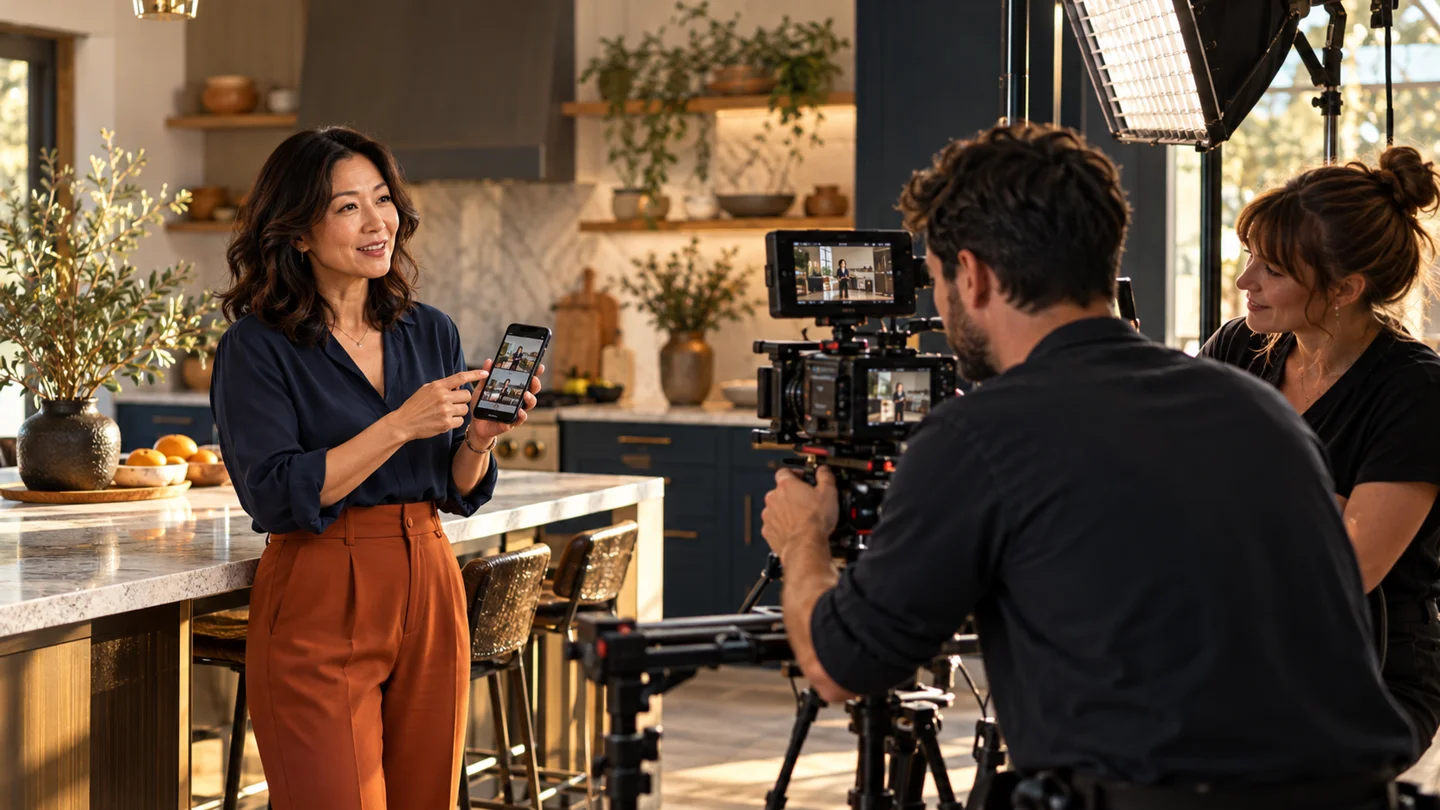
You already have the raw material: a walkthrough of the finished kitchen, a close-up of the details and a short clip of your team at work. Commercial Studio helps you bring those moments into a finished commercial.
Start with the story you want a customer to remember. Then choose the clips, arrange the sequence and add the finishing touches that make the result yours.
Decide what this commercial should do
Keep the message focused. Introduce a service, show a completed project or invite someone to discuss their own plans. One clear purpose makes it easier to choose what belongs in the commercial.
For a kitchen project, the story might be better use of a small space. Show the room, reveal the practical details and finish with an invitation to talk about a similar renovation.
Choose the footage that tells that story
Use clips from your phone, saved LaserPulse clips or newly generated scenes. Select footage that belongs together in subject, lighting and message.
- Opening: Show the setting or problem quickly.
- Middle: Demonstrate the work, product or important details.
- Ending: Show the result and give the viewer a next step.
Use original project footage when showing work your business completed. Choose generated scenes when you need an additional visual treatment, and review how they fit the story.
Arrange and trim the sequence
Bring the chosen clips into Commercial Studio. Put them in a useful order and trim material that does not advance the message. A shorter, clearer sequence is easier to follow than a collection of every clip you recorded.
Preview the transitions in context. Give viewers enough time to understand the key detail before moving to the next scene.
Add your voice and brand
Add narration that explains what the viewer is seeing. Bring in your music, logo, subtitles and branded text. Keep the call to action clear enough to understand on a phone.
For the kitchen story, the narration can explain the storage decisions while the footage shows them. Let the words and images do different parts of the job.
Preview the finished commercial
Assemble the commercial and watch the whole result. Listen to the narration and music together. Check subtitles, spelling, logo placement, contact details and the final invitation.
Choose the output quality for your intended use. Commercial Studio offers 720p, 1080p and 4K Enhanced; 4K Enhanced uses paid upscaling. Review the credit quote before paid processing.
Put the result to work
Download the finished commercial or review the scheduling options for your chosen destination. Keep the saved commercial available for reuse in future campaigns.
You bring the knowledge of your business and the footage that tells its story. LaserPulse brings the production steps into one workspace.
Keep exploring.
Nothing New to Post? Start With the Work You Already Do.
Turn everyday customer questions, finished projects and useful advice into a practical week of content.
Read article →
Turn Your Project Photos Into Your Next Campaign
Use the work already on your phone to tell a clear story, create captions and give customers a reason to contact you.
Read article →
More Clients. Clearer Workflows. Keep Every Brand Distinct.
Organize brand voices, campaign briefs and review routines across an agency workspace with room for up to 15 brands.
Read article →Put your next idea to work.
Turn what you’ve learned into your next campaign with LaserPulse.
Get StartedCompare Plans