Business Owner
Start with the content and connections your business needs.
Compare plans →For business owners, marketing teams and agencies who need ideas, content and publishing in one workflow.


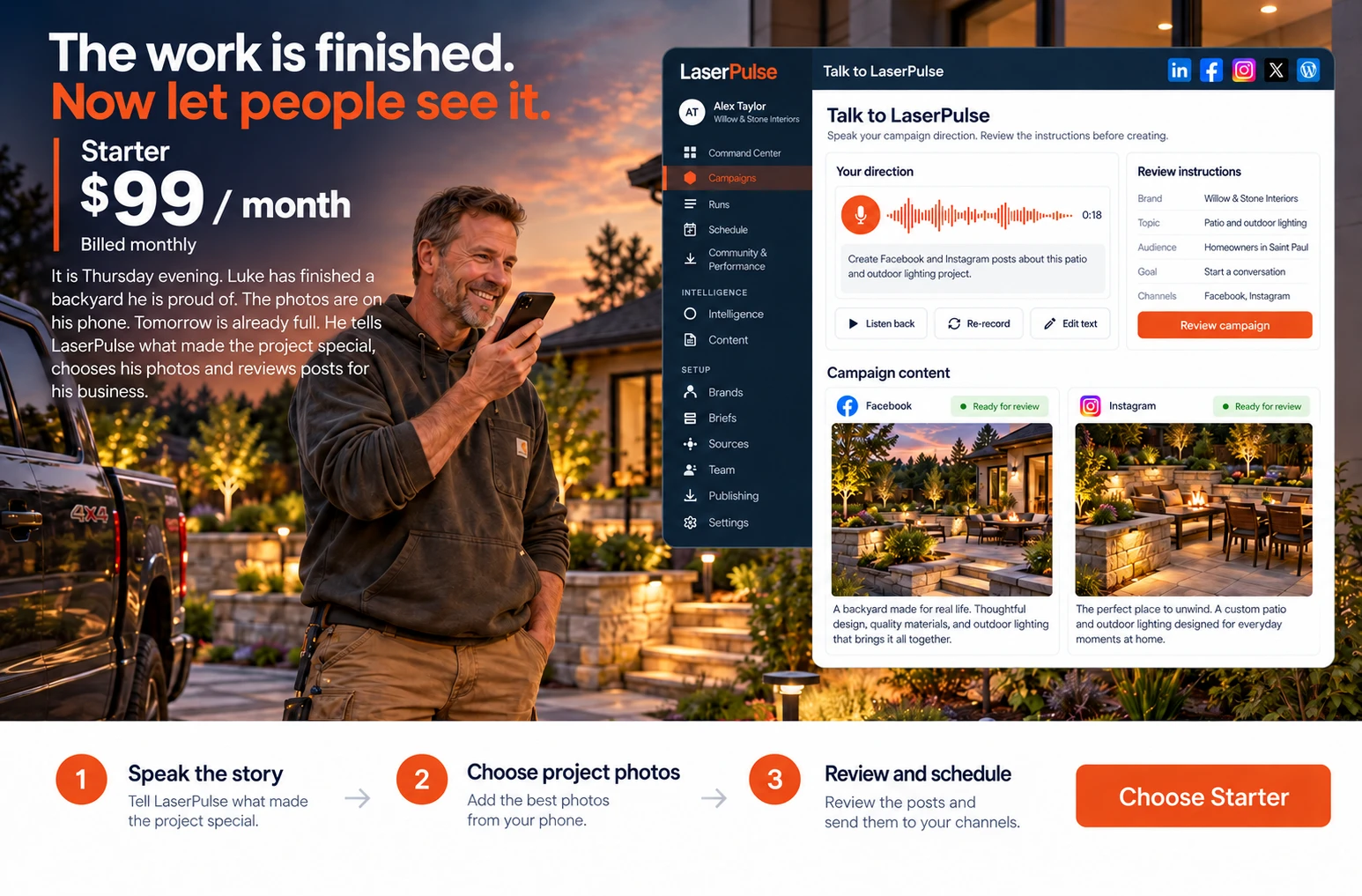
Luke has finished a backyard he is proud of. The photos are on his phone, but tomorrow is already full. He tells LaserPulse what made the project special, chooses his photos and reviews the posts.
 View the full story ↗
Speak or type what you completed, who it is for and what makes it useful.
Use the project images you already have. Review the captions in your brand voice.
Check each selected channel, approve the content and choose the publishing time.
What you createSocial posts featuring your own work, ready for review and scheduling.
Get StartedYou need to show up online. You do not have hours to find ideas, write posts, source visuals and log into every platform.
One place to move from “What should I post?” to content ready for all your connected social accounts.
Explore Starter for this workflow. See plan details →
Maya has built a leadership workshop for growing teams. The offer is ready, but the promotion is still a page of notes. She gives LaserPulse the audience and message, then reviews a campaign built around her workshop.
 View the full story ↗
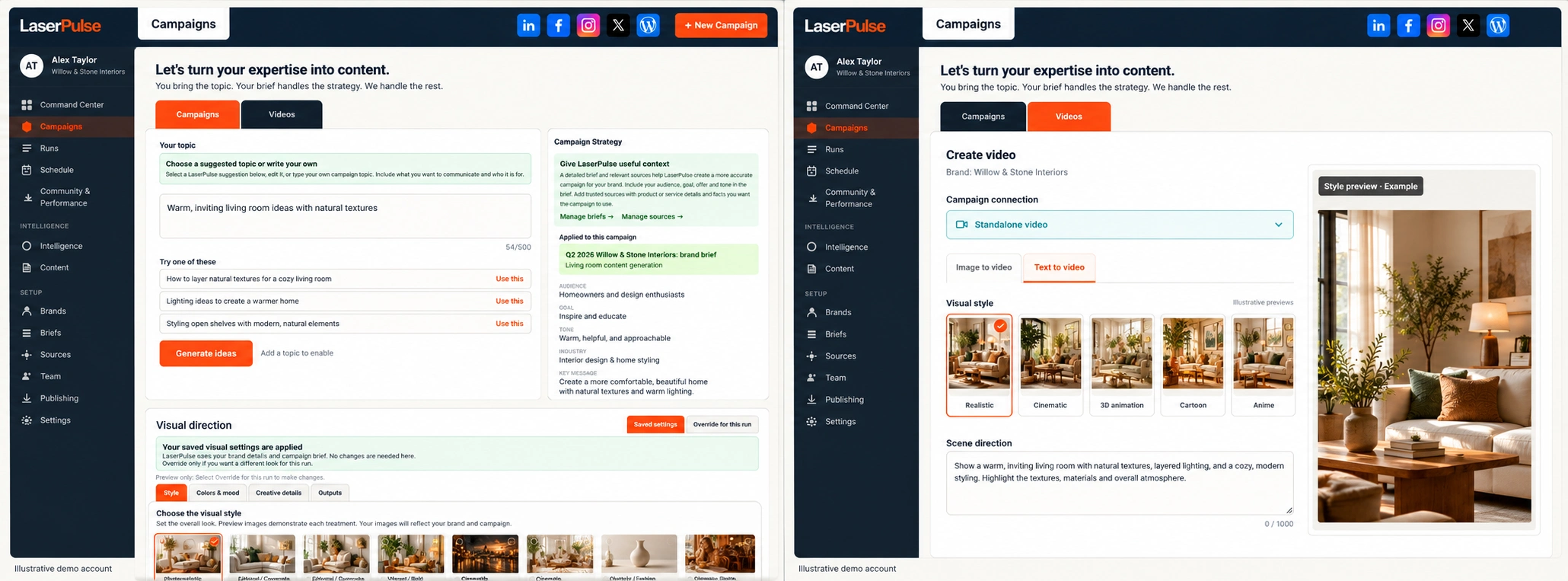
Bring your audience, message and goal. Start with a suggested topic or your own idea.
Build channel-specific posts, visuals, a blog and marketing email copy. Assemble a branded commercial in Commercial Studio.
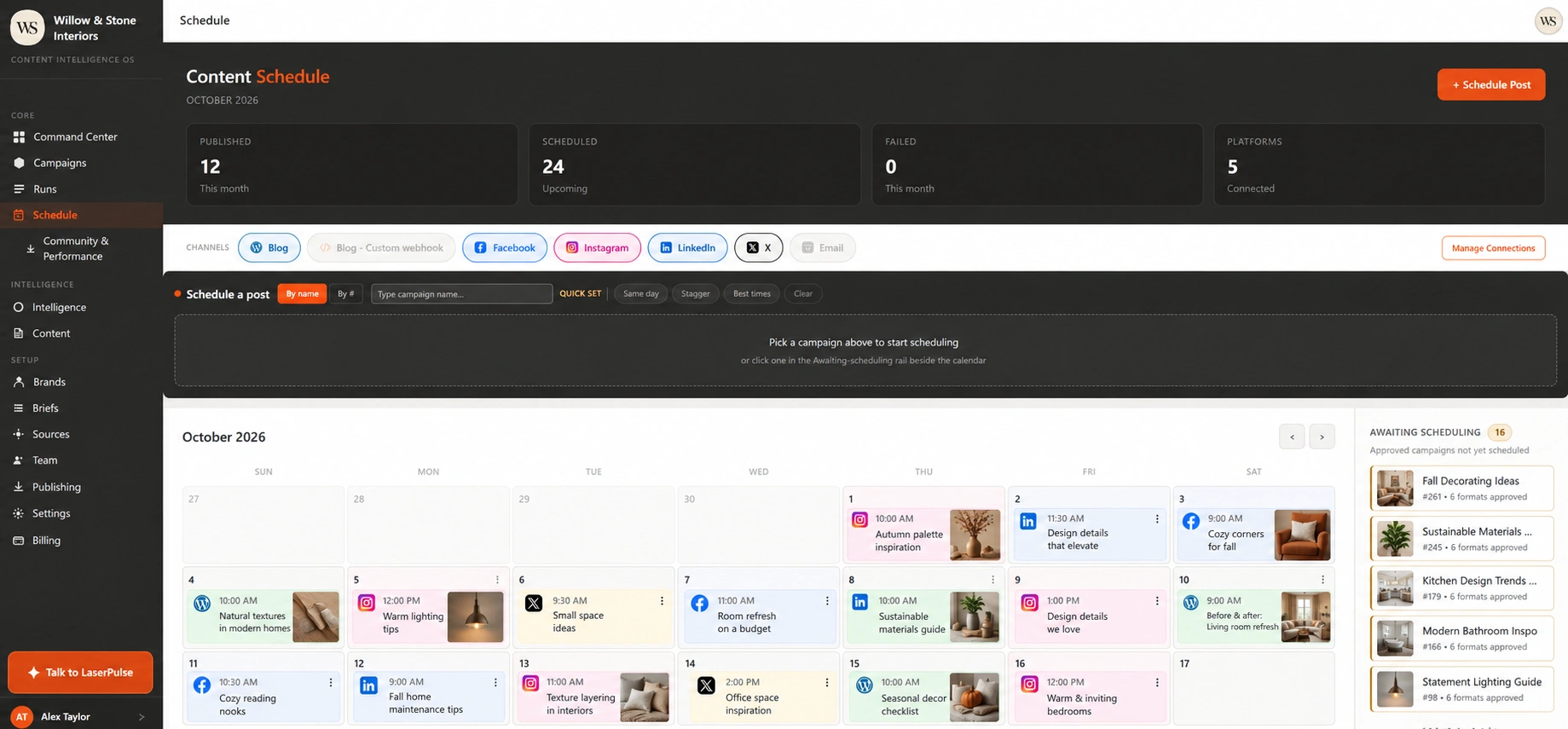
Review the writing and visuals, refine the details and schedule approved social content.
What you createA connected set of campaign assets. Marketing email copy is ready to take into your email service.
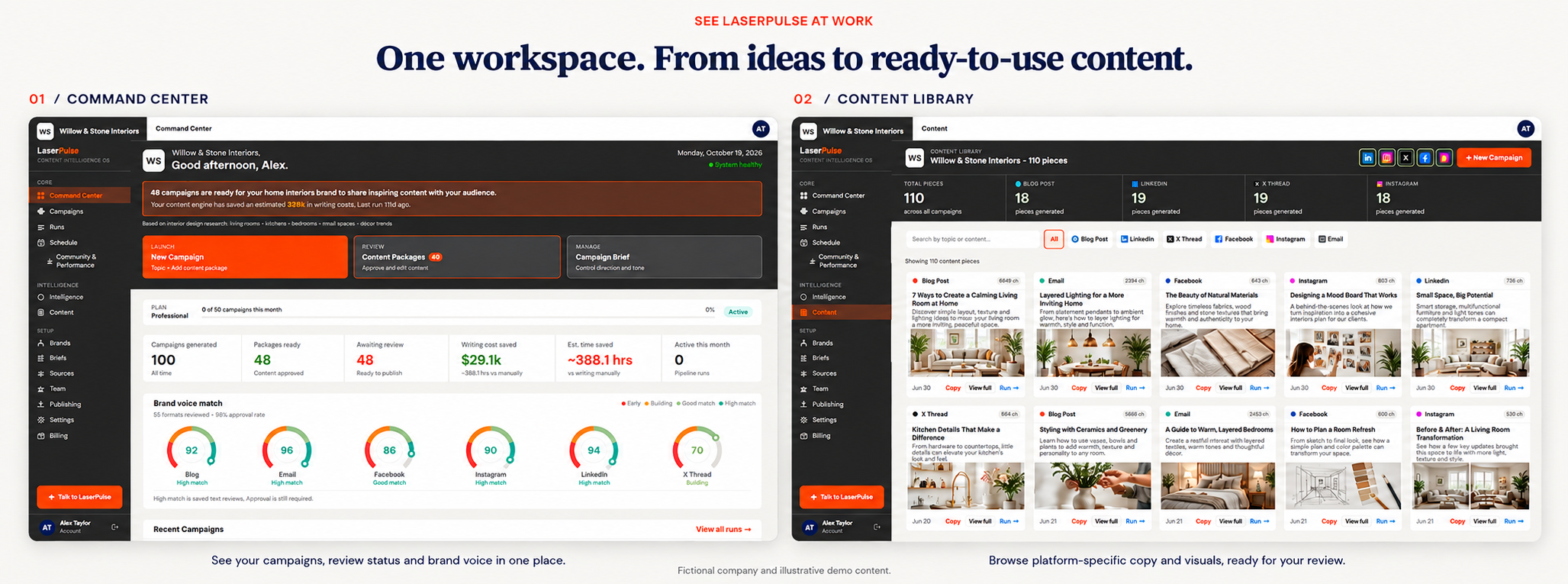
Get StartedEvery channel needs content. Your team still needs one voice, clear review and a calendar everyone can work from.
Example: turn a product launch into social posts, a blog, marketing email copy and a finished commercial.
Explore Professional for this workflow. See plan details →
Claire and Mateo run a restaurant and an event venue. Each needs its own message, imagery and calendar. They switch between brand workspaces, create campaigns for each business and review the content together.
 View the full story ↗
Confirm the brand before choosing its brief, media and channels.
Use the right business context, imagery and message for that campaign.
Review the content and schedule it for the selected business.
What you createCampaigns that keep each business’s identity clear, with its own content and selected publishing connections.
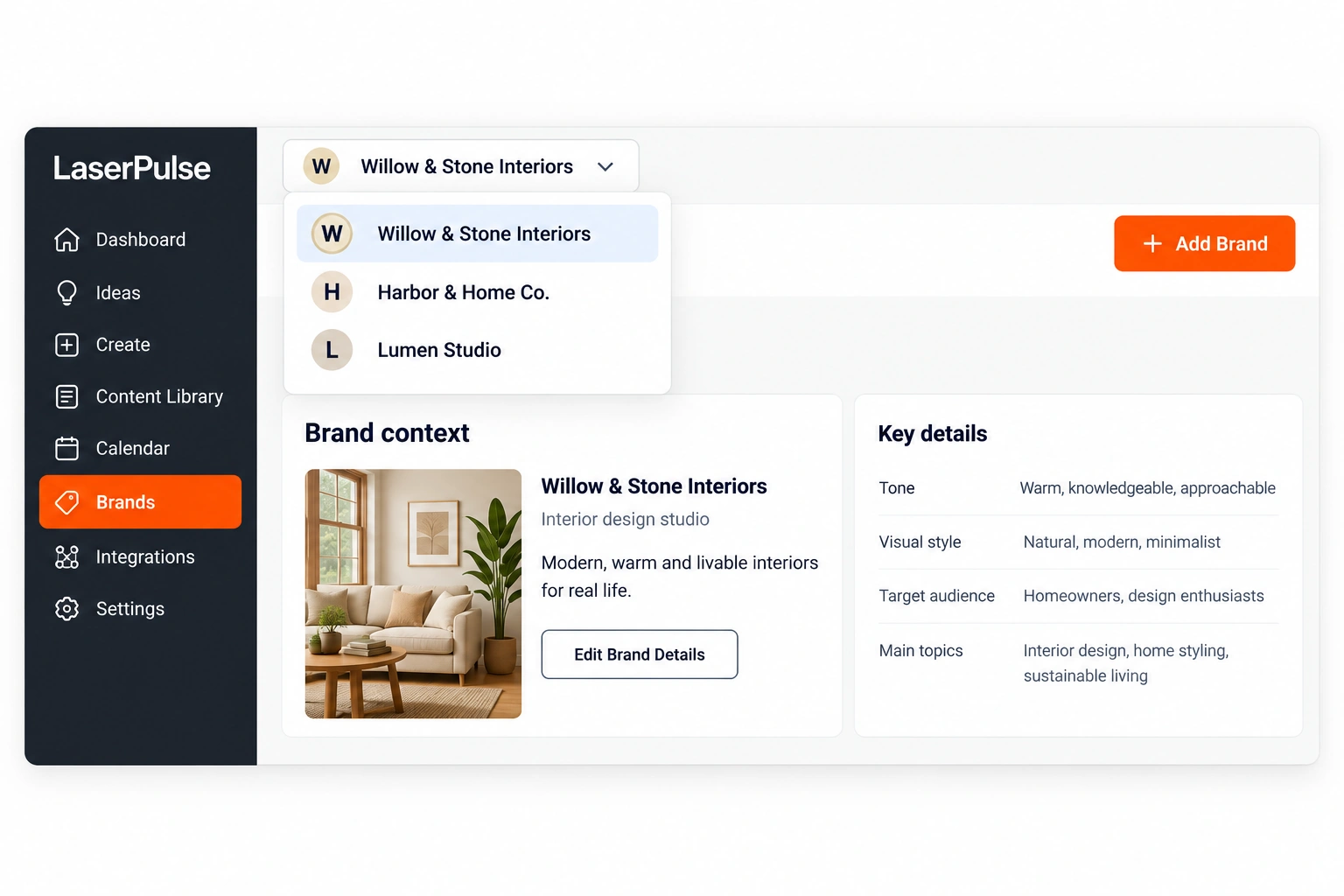
Get StartedSwitch between businesses while keeping each brand’s voice, briefs, assets, connections and content organized. Pool campaign and video capacity across brands on Studio and Agency. Invite Admins, Editors and Viewers with clear role permissions.
Explore Studio for this workflow. See plan details →
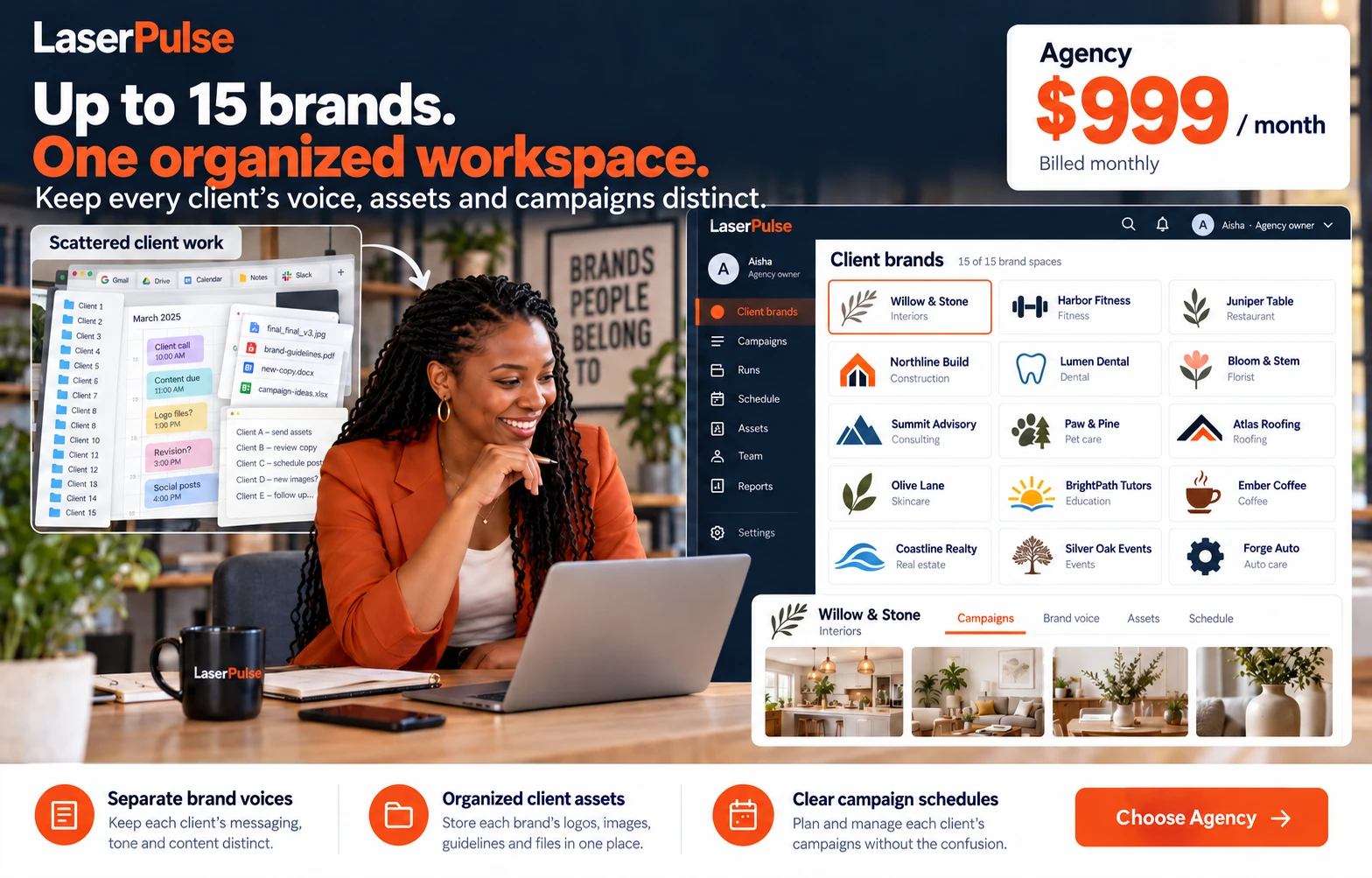
Aisha wants to grow her agency without losing track of the clients already counting on her team. They establish each client’s brand direction, create its campaigns and keep its assets and review work organized.
 View the full story ↗
Keep its voice, assets and campaign direction specific to that business.
Switch into the selected client context and coordinate work with your team.
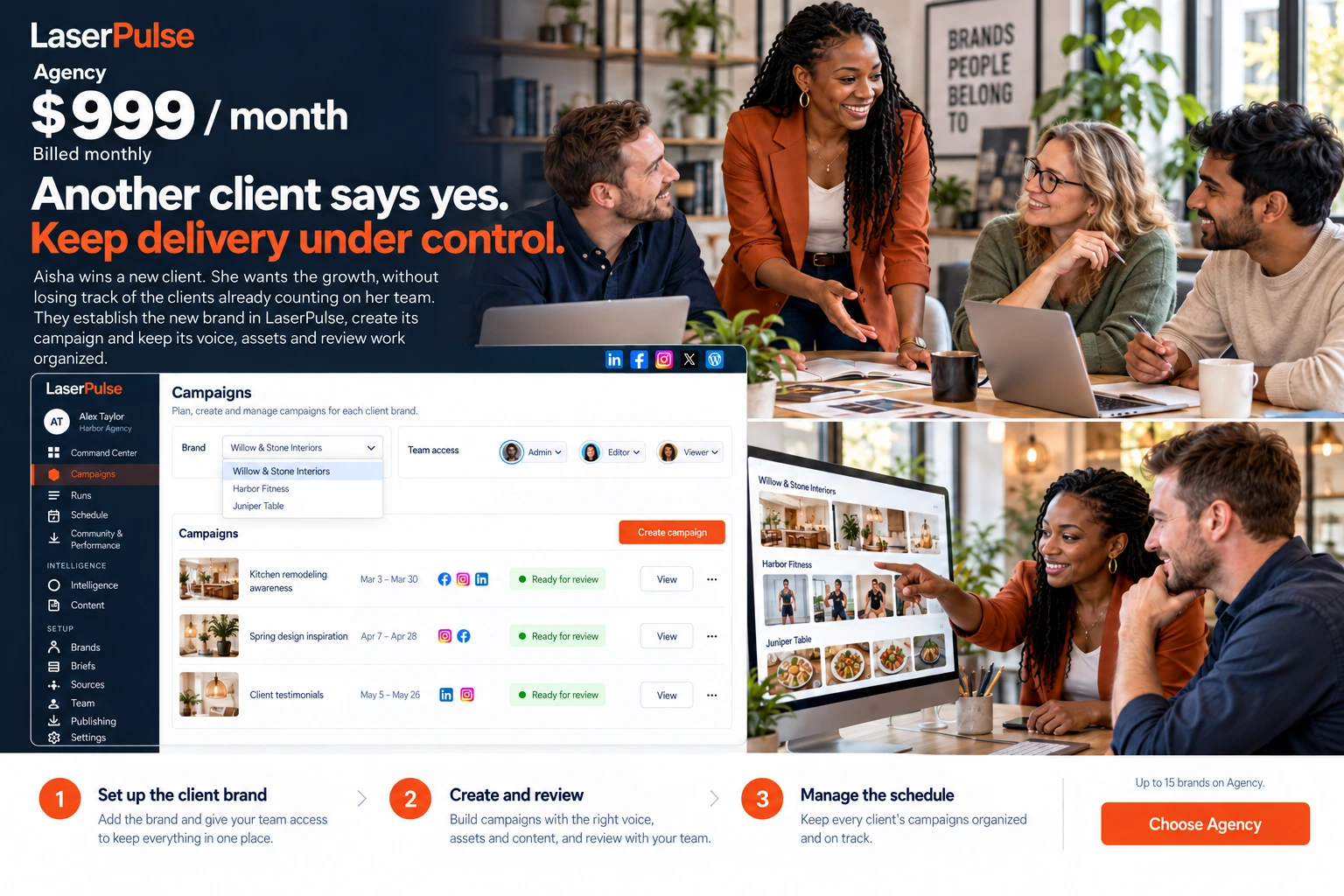
Review the content and publishing destinations before scheduling the client’s campaign.
What you createDistinct client campaigns, organized brand assets and clear review work. Agency supports up to 15 brands.
Get StartedDifferent businesses. Different voices. Different calendars. Keeping it organized should not become another full-time job.
Available on the Agency plan.
Need more than 15 brands | businesses? Contact us →
 View the full story ↗
Aisha wins a new client. Her team establishes its brand context, creates the campaign and organizes review alongside the clients already counting on them.
Explore Agency for this workflow. See plan details →
Create AI scenes or use your own footage. Build a commercial with narration, subtitles, your logo and a clear call to action. Then follow performance and conversations for your published social content.
Explore Commercial Studio →Start with the content and connections your business needs.
Compare plans →Build campaigns and commercials, review performance, and give your team the right access.
Compare plans →Manage up to 15 brands, pool campaign and video capacity, and keep client voices and assets separate.
Compare plans →Yes. Multi-brand plans let you organize content and preferences for more than one business. Agency includes up to 15 brands.
Yes. Review and refine content before you schedule or publish it. Your business keeps the final say.
No. LaserPulse suggests three content ideas for a new campaign. Choose one or use your own topic.